Balanced hybrid communication
Cameras, microphones, speakers, and meeting platforms keep remote participants clearly seen and heard.

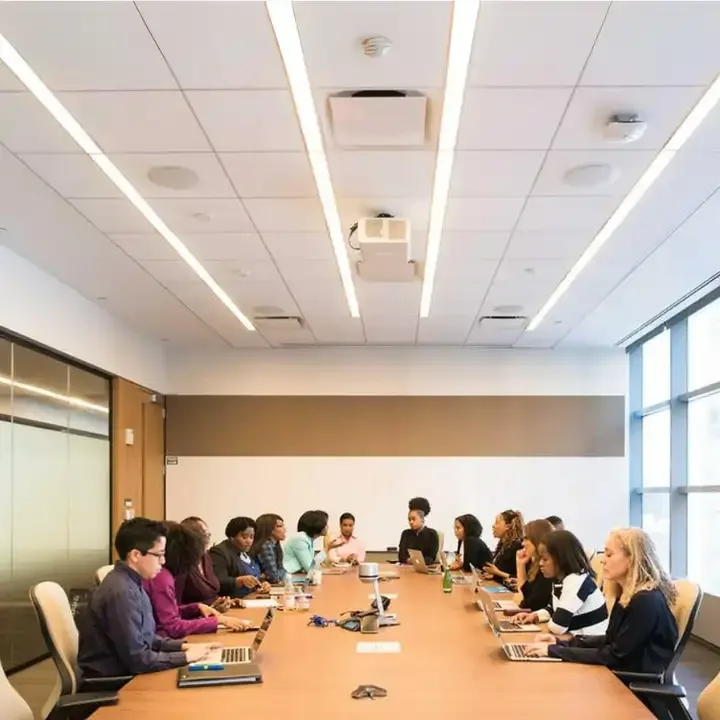
Display & Audio
Audio, cameras, displays, wireless presentation, and meeting platforms unified into one room experience.
Discuss your projectAbout the solution
A modern conference room should start easily, keep every participant seen and heard, and support different meeting formats without repeated setup.
What we engineer into the system
Cameras, microphones, speakers, and meeting platforms keep remote participants clearly seen and heard.
Content can be shared to room displays and online participants without a complicated manual setup.
Audio, video, displays, switching, and control work as one workflow rather than isolated devices.
Presets help a room switch quickly between team meetings, formal presentations, and hybrid conferences.
Agendas, content, annotations, and documentation can be organized to support meeting decisions.
Equipment and solution scope
The final configuration follows site conditions, integration needs, and actual usage patterns.
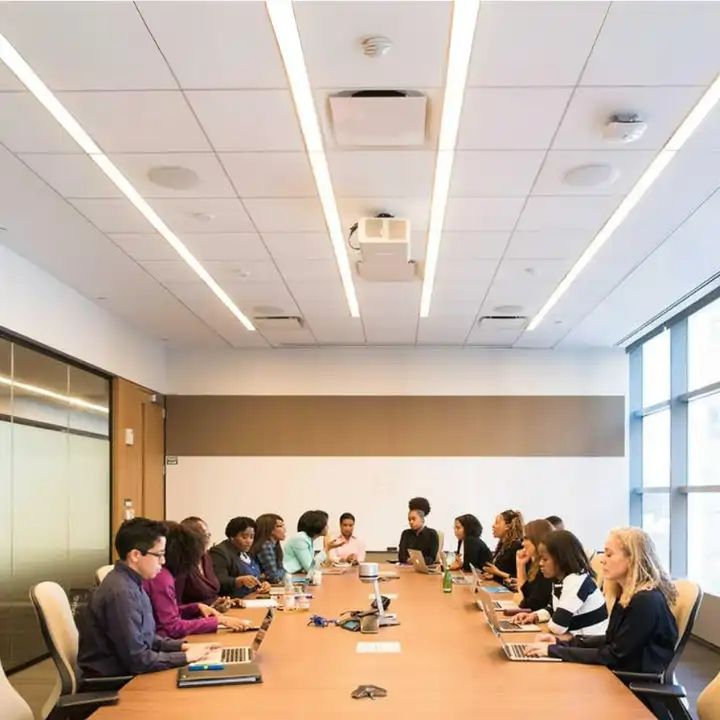
Auto-framing cameras, microphones, speakers, and unified-communications platforms for two-way interaction.
Interactive displays and wireless sharing for presentations, annotation, and collaborative review.
Central control, presets, scheduling, and room integration make meetings more consistent for every user.
The same team carries project context from planning until the system is ready to operate.
We map site conditions, usage patterns, risks, and operating goals before selecting equipment.
Topology, device locations, integrations, specifications, cost, and schedule are documented in a transparent scope.
Technicians complete mounting, cabling, network configuration, and integration with a tidy installation standard.
Operating scenarios are tested, operators are trained, and system documentation is handed over before go-live.
Yes. Equipment is selected around the primary platform, IT policy, and whether the room uses BYOD or a dedicated appliance.
Yes, through wireless-presentation equipment compatible with the organization’s network and security policy.
We simplify connections, presets, and controls so routine functions run from one consistent interface.
Our team can help assess equipment options, integration requirements, and the right implementation scope.